What Is a Smart Home? A Beginner’s Guide for 2026
Walk into a house where the lights dim themselves at sunset, the thermostat already knows you like it cooler at night, and the front door locks behind you without a second thought. It is everyday life in a connected house, and it is far easier to set up than most people expect.
If you have ever wondered how all of this works, what it costs, and whether it is worth doing, this guide has you covered. We explain the idea in plain language, walk through the main device types, and show you a simple way to start small. For the hands-on part, see our step-by-step installation guide.
Quick Answer
A smart home is a house where everyday devices like lights, thermostats, locks, and speakers connect to the internet and to each other, so you can control them from your phone, by voice, or automatically on a schedule. The goal is simple: less fiddling with switches and settings, and more comfort, safety, and energy savings.
Key Takeaways
- A connected house is a network of devices you control by phone, voice, or automation, not a single gadget.
- You can start with one device, such as a speaker or a thermostat, and add more over time.
- Hubs and voice assistants tie different brands together so they work as one system.
- Most setups pay for themselves slowly through lower energy bills and added security.
- Strong passwords, two-factor authentication, and regular updates keep your system private.
What Is a Smart Home?
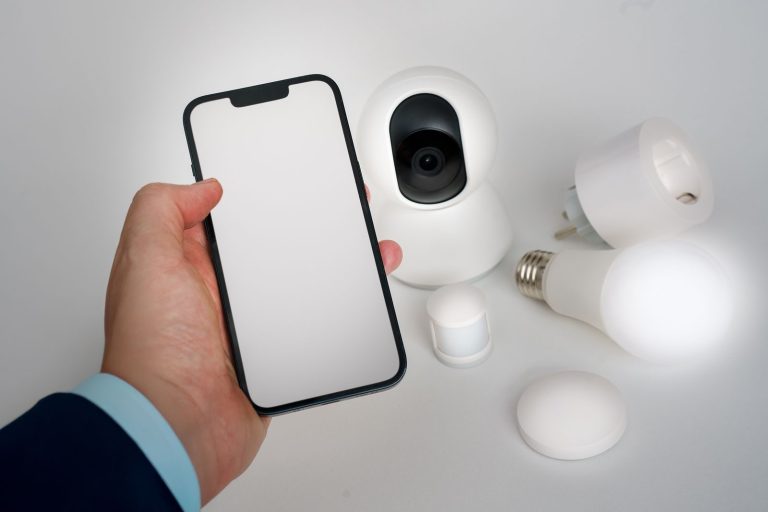
In a smart home, the key idea is connection. A regular light bulb only responds to its switch. A connected bulb also talks to your phone, your voice assistant, and other devices in the house. That connection is what turns a collection of gadgets into a system that works together.
The difference shows up in daily routines. Instead of walking room to room at bedtime, one voice command can lock the doors, turn off the lights, and lower the thermostat. A morning routine can open the blinds, start the coffee maker, and read out the weather. None of this requires rebuilding your house. Most devices screw, plug, or stick into place, and they use the Wi-Fi network you already have.
How Does a Connected Home Actually Work?
Every connected device has three parts: a sensor or control (such as a motion detector or a dimmer), a wireless radio (Wi-Fi, Bluetooth, Zigbee, or Z-Wave), and software that follows your rules. When you tap a button in an app or speak a command, the instruction travels over your home network to the device, which then acts on it and reports back its new state.
Automation is where the system earns its keep. Automations are simple “if this, then that” rules: if the front door unlocks after sunset, turn on the porch light. If no motion is detected for 30 minutes, switch off the living room lamps. You set the rules once, and the house follows them quietly in the background. Many devices also learn from your habits over time, for example by adjusting heating schedules to match when you are usually home.
The Main Device Categories
Connected devices fall into a handful of categories. You do not need all of them, and most people start with just one or two.
- Lighting: connected bulbs, switches, and light strips you can dim, schedule, or change color from your phone.
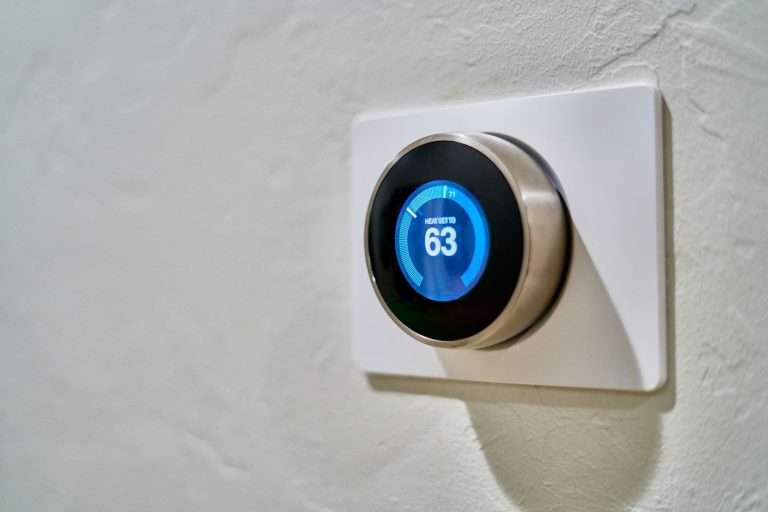
- Climate: thermostats and sensors that learn your schedule and trim heating and cooling costs.
- Security: video doorbells, cameras, locks, and sensors that alert you to visitors or unusual activity.
- Entertainment: speakers, TVs, and streaming devices that play music or video in one room or all over the house.
- Cleaning and chores: robot vacuums and mops that clean on a schedule while you do something else.
- Kitchen and laundry: appliances that send alerts, preheat on command, or track maintenance needs.
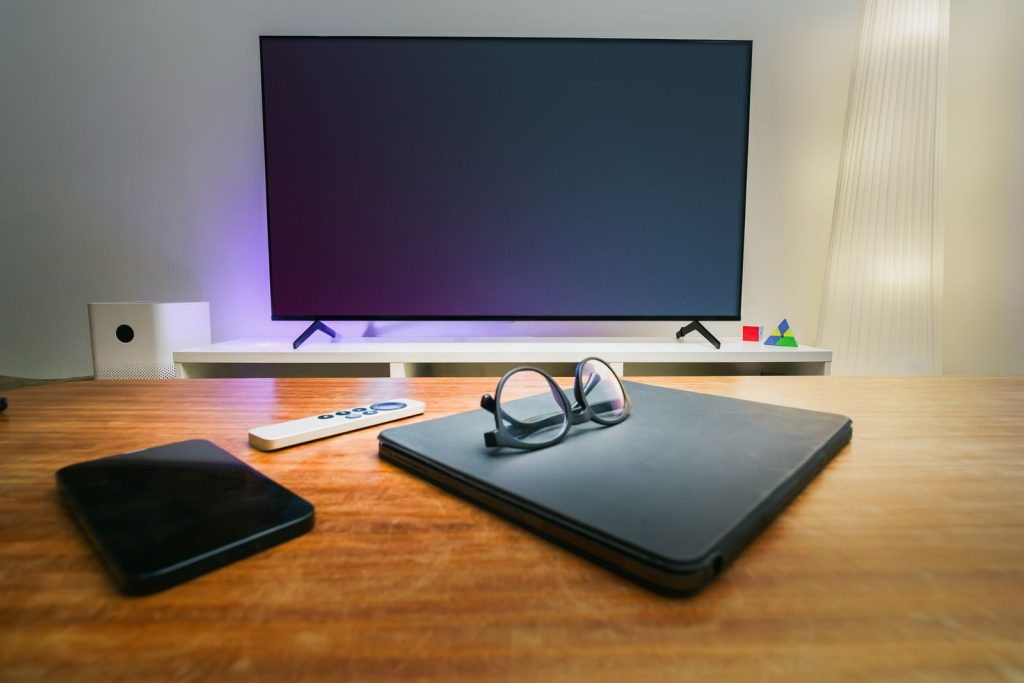
Hubs and Voice Assistants: The Brains of the System
A hub is a small device (or an app) that lets products from different brands talk to each other. Without one, each gadget lives in its own app, which gets annoying fast. With one, a single command can control lights from one brand, a lock from another, and a thermostat from a third. Many voice speakers double as hubs, and some routers now include hub features too.
Voice assistants are the most popular way to control a connected house, because speaking is faster than opening an app. You can ask for the weather, set a timer, lock the door, or run a whole bedtime routine hands-free. Before you buy, check that the devices you want support the same assistant or the same open standard, such as Matter, which is designed to make brands work together. If you want one place to manage routines, schedules, and devices, a dedicated manager app can keep everything organized.
Benefits: Comfort, Savings, and Security
Comfort is the most immediate benefit. Lights adjust to the time of day, rooms stay at the temperature you prefer, and music follows you from room to room. For people with mobility problems, voice control is genuinely life-changing: doors, blinds, and appliances become usable without reaching a switch or a handle.
Savings come next. A learning thermostat can cut heating and cooling bills by heating only the rooms you use and easing off while you are away. Connected lights use efficient LED bulbs and switch themselves off in empty rooms. Savings add up over a year, especially in larger houses.
Security is the third big win. A video doorbell lets you see and speak to visitors from anywhere, and a connected lock means you never wonder whether you left the door unlocked. Sensors can warn you about water leaks, smoke, or an opened window, sometimes before the damage gets expensive.
Costs: What Should You Expect to Pay?
Costs vary widely, because you can start with a single $25 bulb or automate a whole house. Most people spend gradually, adding one category at a time. The table below gives realistic ranges for common setups in the US.
| Setup level | What you get | Typical cost |
|---|---|---|
| Starter | Voice speaker plus a few connected bulbs | $50 to $150 |
| Comfort | Thermostat, doorbell, lock, and lighting in main rooms | $300 to $800 |
| Whole-house | Lighting, security, climate, and entertainment throughout | $1,500 to $5,000+ |
Watch out for ongoing costs: some cameras charge monthly for cloud video storage. Check whether a device works fully without a subscription before you buy it.
Privacy and Security: Staying Safe
Connected devices collect data, and that deserves honest attention. Cameras and microphones are the most sensitive, so place them thoughtfully: a camera at the front door makes sense, while one in a bedroom rarely does. Turn off features you do not use, such as voice recording history.
Good security habits cover most of the risk. Use a strong, unique password for every device account and turn on two-factor authentication wherever it is offered. Keep your devices updated, since updates often fix security flaws. Finally, put connected gadgets on a separate guest Wi-Fi network if your router supports it, so a compromised bulb cannot reach your computers or personal files.
Getting Started: A Simple First Week Plan
Day one: pick one problem you actually want solved, such as lights left on at night or a front door you worry about. Buy one well-reviewed device for that problem and set it up properly. Day three: add a voice speaker if you want hands-free control, and link the two together. By the end of the week, create your first automation, like lights that switch on at sunset. Living with a small system for a month teaches you what you truly value, and that knowledge makes every later purchase smarter.
Resist the urge to buy everything at once. A slow build avoids compatibility headaches, spreads the cost, and keeps the system simple enough that everyone in the household can actually use it.
Frequently Asked Questions
What is a smart home?
It is a house where everyday devices connect to the internet and to each other, so you can control them by phone, by voice, or through automatic schedules. The point is not owning gadgets for their own sake, but making daily routines easier, safer, and more energy efficient.
Do I need a hub to get started?
No. A single Wi-Fi device, such as a connected bulb or speaker, works fine on its own with its own app. A hub becomes useful once you own several devices from different brands and want them to work together with one command.
Will connected devices work without Wi-Fi?
Mostly no. Wi-Fi devices need your home network to receive commands and send alerts, though basic functions like a light switch still work by hand during an outage. Devices using Zigbee or Z-Wave talk to a hub instead, but the hub itself still needs internet for remote control.
How much does it cost to automate a house?
A starter setup costs roughly $50 to $150, while a comfortable setup with a thermostat, doorbell, lock, and main-room lighting runs $300 to $800. Whole-house automation can reach several thousand dollars, but most people build up gradually rather than paying it all at once.
Are connected devices safe from hackers?
No device is perfectly safe, but the risk is manageable. Strong unique passwords, two-factor authentication, regular software updates, and a separate network for gadgets protect against the most common attacks. Buy from established brands that still issue updates for older models.
Can renters use connected devices?
Yes, and renters are often ideal candidates. Most devices install without drilling or rewiring: bulbs screw in, plugs plug in, and many locks fit over the existing hardware. You can take everything with you when you move, so nothing is wasted.
Final Thoughts
A connected house is not about owning the most gadgets. It is about removing small daily frictions: lights that manage themselves and a door that locks itself. Start with one real problem, choose devices that work together, and let the system grow at your pace.