Best Streaming Devices for TV: 7 Top Picks for 2026
Best Streaming Devices for TV: 7 Top Picks for 2026
If your TV feels slow, outdated, or missing your favorite apps, the fastest fix is not a new television. The best streaming devices for TV in 2026 turn almost any screen into a fast, modern smart TV with 4K picture, smooth menus, and every major app. Whether you want Netflix, Disney+, live sports, or cloud gaming, one of these seven picks will fit your setup and your budget.
We tested and compared the most popular streaming sticks, boxes, and players sold in the United States this year. Below you will find a quick answer, seven hands-on mini reviews, a side-by-side comparison table, and honest buying advice so you can pick the right player with confidence.
Quick Answer
The Roku Streaming Stick 4K is our top pick among streaming devices for TV in 2026: it is fast, simple, affordable at around $50, and works with every major service. Amazon fans should grab the Fire TV Stick 4K Max, while Apple users will love the Apple TV 4K. Gamers and power users should look at the NVIDIA Shield TV.
How We Picked the Best Streaming Devices for TV
We judged every player on the things that matter in daily use: menu speed, 4K and HDR picture quality, remote design, Wi-Fi performance, app selection, and price. We also looked at extra features such as voice assistants, gaming support, smart home controls, and how well each device handles Dolby Vision and Dolby Atmos sound.
Every device on this list is easy to buy in the United States and works with popular services like Netflix, Hulu, Disney+, Max, YouTube TV, and Prime Video. Prices are typical retail prices and can drop during holiday sales. Speaking of savings, streaming sticks are some of the most discounted gadgets of the year, so it pays to check our roundup of Black Friday laptop deals for seasonal price drops on tech of all kinds.
1. Roku Streaming Stick 4K: Best Overall
The Roku Streaming Stick 4K remains the best all-round choice for most households. The interface is clean and simple, with every major streaming app available and no learning curve. Setup takes about five minutes: plug it into an HDMI port, connect to Wi-Fi, and sign in to your services.
Picture quality is excellent, with 4K, Dolby Vision, and HDR10+ support, plus Dolby Atmos passthrough for home theater setups. The long-range Wi-Fi receiver helps in rooms far from the router. The included voice remote is straightforward, with handy shortcut buttons for popular apps. At around $50, it is also the best value on this list.
Pros: Simple interface; works with all major apps; strong value.
Cons: No hands-free voice control without the pricier remote.
Price: about $50. See the Roku Streaming Stick 4K on Roku.com
2. Amazon Fire TV Stick 4K Max: Best for Amazon Households
If you use Alexa, shop on Amazon, or watch Prime Video often, the Fire TV Stick 4K Max is the obvious pick. It is the fastest Fire TV stick Amazon has made, with quick app launches and snappy menu performance that closes the gap with pricier boxes.
The stick supports 4K, Dolby Vision, HDR10+, and Dolby Atmos, and Wi-Fi 6E support gives it a real edge in busy households with lots of connected devices. The Alexa Voice Remote works well for hands-free searches like “find action movies,” and it doubles as a solid smart home remote for Ring cameras and other Alexa gear. Gaming fans can also stream Xbox games over the cloud with a controller.
Pros: Fastest Fire TV stick; Wi-Fi 6E; great Alexa integration.
Cons: Home screen pushes Amazon content hard.
Price: about $60. See the Fire TV Stick 4K Max on Amazon.com
3. Google TV Streamer: Best for Google Smart Homes
The Google TV Streamer is Google’s flagship streaming box and the best option for homes built around Google Assistant, Nest cameras, and Chromecast. The Google TV interface pulls content from all your subscriptions into one personalized home screen, so you spend less time jumping between apps.
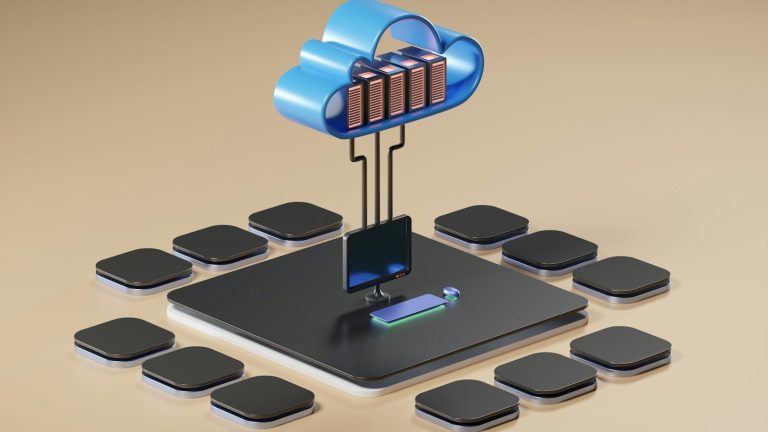
Performance is smooth, with 4K, Dolby Vision, HDR10+, and Dolby Atmos support. It also doubles as a smart home hub with Matter and Thread support built in, which is rare at this price. The redesigned remote is comfortable, and you can ping it from your phone when it slips between the couch cushions. One small note: cloud-based features like watchlist sync and personalized recommendations lean on Google’s cloud services, and if you are curious how that kind of storage works behind the scenes, our guide to what cloud storage is explains the basics in plain language.
Pros: Excellent Google integration; smart home hub built in; polished interface.
Cons: Pricier than most sticks.
Price: about $100. See the Google TV Streamer on the Google Store
4. Apple TV 4K: Best for Apple Users
For iPhone and Mac users, nothing beats the Apple TV 4K. It is the fastest and most polished streaming box you can buy, with an A15 chip that keeps menus instant and makes Apple Arcade gaming genuinely enjoyable. The tvOS interface is clean, ad-free, and easy on the eyes.
Video quality is top tier, with 4K, Dolby Vision, HDR10+, and Dolby Atmos all supported. Features like FaceTime on the big screen (using your iPhone as the camera), SharePlay, and automatic color calibration with an iPhone are unique to Apple. If your family already lives in the Apple ecosystem, the premium price is easy to justify.
Pros: Fastest menus; best Apple integration; ad-free interface.
Cons: Expensive; no free ad-supported app advantage.
Price: about $130. See the Apple TV 4K on Apple.com
Pro Tip
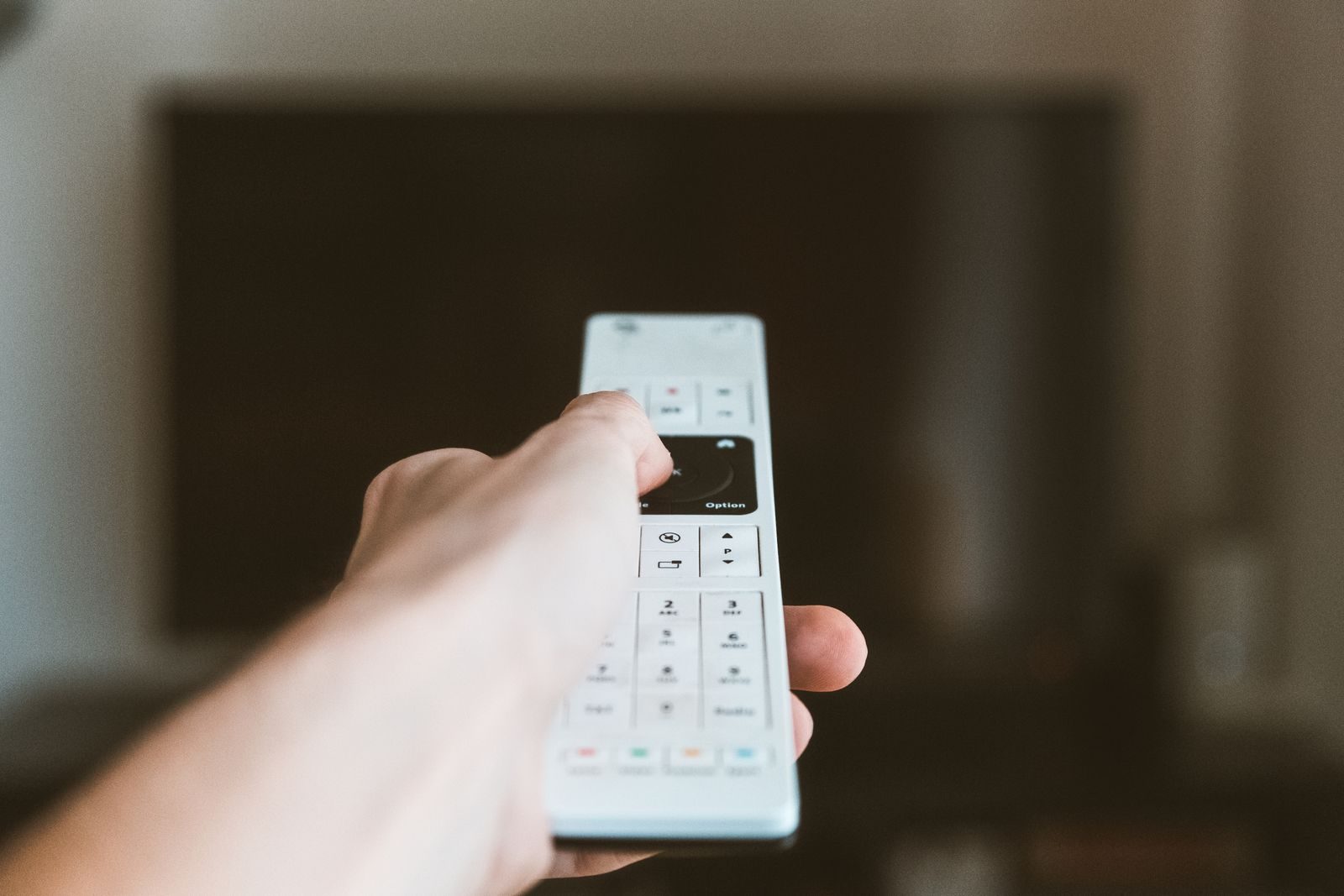
Before you buy, check which HDMI ports your TV has and whether it supports 4K and HDR. A premium 4K streamer will not look its best on an older 1080p TV, and if your Wi-Fi signal is weak in the living room, plug the device in with an Ethernet adapter or move your router closer before judging picture quality. Also confirm your TV’s remote can control the new device over HDMI-CEC, so you can power everything on with one click.
5. NVIDIA Shield TV: Best for Gamers and Power Users
The NVIDIA Shield TV has been the enthusiast favorite for years, and it still holds the crown for power users. It runs Android TV with an AI upscaling feature that sharpens HD content impressively, making old shows look noticeably better on a 4K screen.
Where the Shield really shines is gaming and flexibility. GeForce NOW cloud gaming runs beautifully on it, it supports emulators and sideloaded apps, and it works as a Plex media server. It also supports Dolby Vision and Dolby Atmos. The interface is less beginner-friendly than Roku, but tinkerers will love the freedom it offers.
Pros: AI upscaling; great for gaming; very flexible.
Cons: Aging hardware; interface less friendly.
Price: about $150 (Pro model). See the NVIDIA Shield TV on NVIDIA.com
6. Chromecast with Google TV: Best Budget Google Option
If you like the Google TV interface but want to spend less than the full streamer box, the Chromecast with Google TV remains a solid budget pick. It offers the same personalized content recommendations and Google Assistant voice control in a compact dongle that hides behind your TV.
You get 4K, Dolby Vision, HDR10+, and Dolby Atmos support, plus easy casting from any phone, tablet, or Chrome browser tab. It is not as fast as the Google TV Streamer and lacks the smart home hub features, but for basic streaming it delivers nearly the same experience at roughly half the price.
Pros: Affordable; same great Google TV interface; easy casting.
Cons: Slower than the streamer box; limited storage.
Price: about $50. See Chromecast with Google TV on the Google Store
7. TiVo Stream 4K: Best for Live TV Lovers
The TiVo Stream 4K stands out with a unified guide that blends live TV from services like Sling TV and YouTube TV with on-demand streaming apps in one browseable list. If you grew up with the classic TiVo experience, this will feel familiar and comfortable.
Hardware-wise, it covers the essentials: 4K, Dolby Vision, HDR10, and Dolby Atmos support, plus Google Assistant voice control on the remote. The Stream app makes it easy to search across live and on-demand content at once. It is an affordable niche pick that live TV fans and cord cutters will appreciate.
Pros: Great unified live TV guide; affordable; Dolby Vision support.
Cons: Smaller app optimization; less polished than rivals.
Price: about $40. See the TiVo Stream 4K on TiVo.com
Quick Comparison Table
| Device | Best For | Max Resolution | Dolby Vision | Voice Assistant | Price |
|---|---|---|---|---|---|
| Roku Streaming Stick 4K | Most people | 4K | Yes | Roku Voice | ~$50 |
| Fire TV Stick 4K Max | Amazon households | 4K | Yes | Alexa | ~$60 |
| Google TV Streamer | Google smart homes | 4K | Yes | Google Assistant | ~$100 |
| Apple TV 4K | Apple users | 4K | Yes | Siri | ~$130 |
| NVIDIA Shield TV | Gamers, power users | 4K | Yes | Google Assistant | ~$50 |
| Chromecast with Google TV | Budget Google pick | 4K | Yes | Google Assistant | ~$50 |
| TiVo Stream 4K | Live TV lovers | 4K | Yes | Google Assistant | ~$40 |
Which Streaming Player Should You Buy?
Start with the ecosystem you already live in. Amazon fans get the most from the Fire TV Stick 4K Max, Google homes shine with the Google TV Streamer, and Apple households should pick the Apple TV 4K. If you just want the simplest, most universal option, the Roku Streaming Stick 4K is the safe bet for any family member to use.
Budget matters too, but the spread is small: the cheapest and priciest picks here are only about $110 apart, so choose based on features rather than price alone. Gamers should stretch to the NVIDIA Shield TV, while cord cutters who watch lots of live channels will love the TiVo guide.
Key Takeaways
- The Roku Streaming Stick 4K is the best overall pick: simple, fast, and about $50.
- Match the device to your ecosystem: Fire TV for Amazon, Google TV Streamer for Google, Apple TV 4K for Apple.
- Gamers and tinkerers should choose the NVIDIA Shield TV for cloud gaming and flexibility.
- All seven devices support 4K, HDR, and Dolby Atmos, so picture quality is excellent across the board.
- Wait for holiday sales if you can: streaming players are discounted heavily several times a year.
Conclusion
Upgrading your television experience does not require buying a new TV. The right choice among today’s streaming devices for TV gives you faster menus, sharper 4K picture, better sound, and every app you need in one place. For most buyers, the Roku Streaming Stick 4K hits the sweet spot of price and performance, while the Fire TV Stick 4K Max, Google TV Streamer, and Apple TV 4K are unbeatable if you are invested in their ecosystems. Pick your player, plug it in, and enjoy a smarter TV tonight.
Frequently Asked Questions
Do I need a smart TV to use a streaming device?
No. A streaming device plugs into any TV with an HDMI port and adds all the smart features itself, including apps, 4K streaming, and voice control. Many people buy them specifically to upgrade an older non-smart TV.
Is a streaming stick or streaming box better?
Sticks are cheaper and hide behind the TV, which is perfect for most people. Boxes like the Apple TV 4K and NVIDIA Shield TV cost more but offer faster performance, more storage, and extra features such as smart home hubs and gaming.
Do streaming devices work without Wi-Fi?
You need an internet connection for streaming apps to work. Most devices use Wi-Fi, but some models support a wired Ethernet connection with an adapter, which gives more stable 4K playback.
Can one streaming device replace cable TV?
Yes, for most viewers. Pair a streaming device with a live TV service like YouTube TV, Hulu + Live TV, or Sling, and you get live channels, sports, and news without a cable box. An antenna can add free local channels too.
How often should I replace my streaming device?
Every 3 to 5 years is typical. Older players slow down, lose app support, and miss newer features like Dolby Vision or Wi-Fi 6E. If your menus lag or apps stop updating, it is time for an upgrade.