Best Free Cloud Storage: 7 Services Compared for 2026
Finding the best free cloud storage can feel overwhelming when every service promises the same convenience. Whether you want to back up photos, share large files with coworkers, or keep important documents within reach, free cloud storage gives you valuable online space without a monthly bill. The catch is that every provider sets its own limits and strengths, so choosing the right one matters.
In this guide, we compare seven of the leading free cloud storage services for 2026. You will see how they stack up on free storage space, file sharing, security, and ease of use. We also answer the most common questions, so you can pick the best free cloud storage plan for your needs with confidence.
QUICK ANSWER
The best free cloud storage overall is Google Drive, thanks to its generous free tier and smooth integration with Gmail and Google Docs. Microsoft OneDrive is the top pick for Windows users, Dropbox leads for simple file sharing, and MEGA stands out for privacy-focused encryption. Check the official site of each service for current free storage limits, then pick the one that fits the way you work.
KEY TAKEAWAYS
- The best free cloud storage services give you real space for backups, photos, and documents at no cost.
- Google Drive, Microsoft OneDrive, and Dropbox are the easiest starting points for most people.
- MEGA and pCloud are strong picks among the best free cloud storage options if privacy and encryption matter to you.
- Free plans work best with good habits: organize your folders, delete duplicates, and turn on two-factor authentication.
- You can combine free plans from different providers to build more total space without paying.
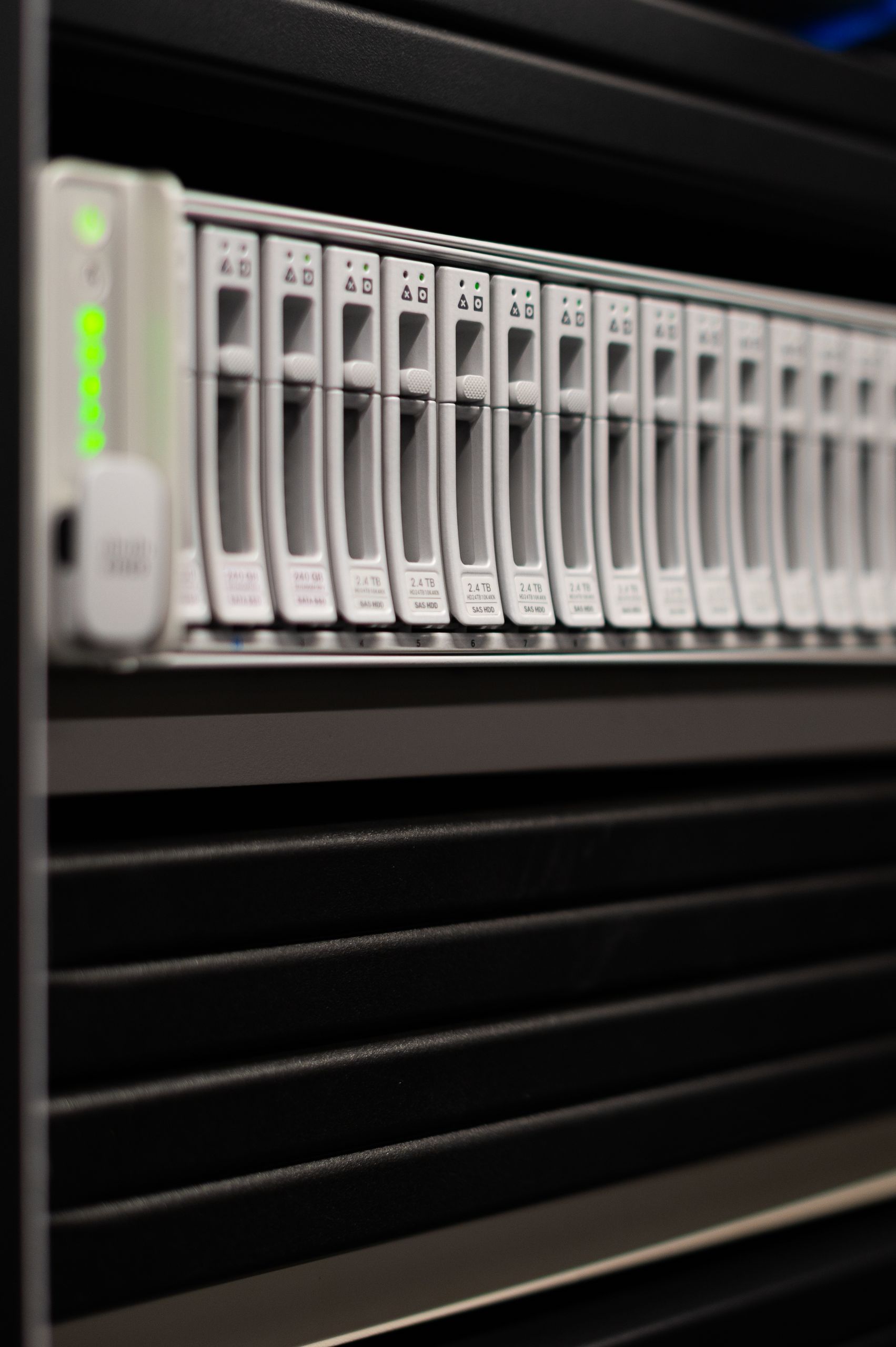
Why Free Cloud Storage Matters in 2026
Our files keep growing. Photos, videos, school projects, and work documents add up fast, and the storage inside your phone or laptop cannot keep up forever. The best free cloud storage services solve this by giving you secure online space you can reach from any device, anywhere.
Free plans are also great for students and anyone watching their budget. If you are shopping for the best laptops for students, for example, pairing that new laptop with free cloud backup keeps your coursework safe even if the machine is lost or breaks. No extra cost, no extra stress.
Sharing is another big reason to use cloud storage. Instead of emailing huge attachments, you can send a simple link. Most of the best free cloud storage apps also sync your files automatically across your phone, tablet, and computer, so you always have the latest version.
The 7 Best Free Cloud Storage Services in 2026
After comparing the most popular options for reliability, sharing, security, and everyday ease of use, these seven stand out as the best free cloud storage services this year. Check the official site of each service for current free storage limits before you sign up.
- Google Drive: Our top pick for the best free cloud storage overall. It pairs smoothly with Gmail, Google Docs, and Google Photos, so your files stay organized with almost no effort. Check the official site for current free storage limits.
- Microsoft OneDrive: The natural choice if you use Windows or Microsoft 365. Your files sync quietly in the background, and sharing with Word and Excel collaborators is simple. Check the official site for current free storage limits.
- Dropbox: Famous for its clean, reliable syncing and easy link sharing. It is a favorite for freelancers and teams who pass files back and forth all day. Check the official site for current free storage limits.
- Apple iCloud: The best free cloud storage option for iPhone, iPad, and Mac owners. Your photos, messages, and device backups sync automatically across your Apple devices. Check the official site for current free storage limits.
- MEGA: A privacy-focused service with strong end-to-end encryption built in. It is a smart pick if you want your files protected by default. Check the official site for current free storage limits.
- pCloud: A flexible service with handy media playback and file versioning features. Its clean apps work well across desktop and mobile. Check the official site for current free storage limits.
- Box: A business-friendly option with solid sharing controls and collaboration tools. It is worth a look if you share files with classmates or coworkers. Check the official site for current free storage limits.
How Much Free Cloud Storage Do You Really Get?
It depends on the provider. Some services start you with a modest free tier, while others give you more room or let you earn extra space through referrals and bonus tasks. Because these limits change over time, always check the official site for current free storage limits before you commit.
The good news is that you are not limited to one service. Many people use one provider for photos, another for documents, and a third for backups. Just keep track of what lives where so nothing important gets lost.
Is Free Cloud Storage Safe?
Generally, yes. The major providers protect your files with encryption during transfer and on their servers, and most offer two-factor authentication for your account. Your files are usually safer in the cloud than on a single hard drive that can fail or get stolen.
Still, take basic precautions. Use a strong, unique password, turn on two-factor authentication, and read the privacy policy of any service you trust with sensitive files. For extra-sensitive documents, choose a provider with end-to-end encryption, so only you hold the keys to your data.
Google Drive vs Dropbox vs OneDrive
These three are the most popular of the best free cloud storage services, so here is a head-to-head comparison to help you decide.
| Feature | Google Drive | Dropbox | Microsoft OneDrive |
|---|---|---|---|
| Free tier | Check the official site for current free storage limits | Check the official site for current free storage limits | Check the official site for current free storage limits |
| Sync | Automatic sync across desktop and mobile, with deep Google app integration | Fast, reliable sync with smart version history | Built into Windows and syncs smoothly with Microsoft 365 apps |
| Sharing | Easy link sharing with permission controls | Simple links and strong collaboration tools | Simple sharing that works best with Word and Excel |
| Security | Encryption in transit and at rest, plus two-factor authentication | Encryption in transit and at rest, plus two-factor authentication | Encryption in transit and at rest, plus two-factor authentication |
| Best for | Gmail and Google Docs users | Freelancers and teams who share files daily | Windows and Microsoft 365 users |
There is no single winner. Pick Google Drive if you live in Google apps, OneDrive if you live in Windows, and Dropbox if fast syncing and sharing are your top priorities.
How to Choose the Best Free Cloud Storage for You
Follow these steps to find the best free cloud storage plan for your needs without overthinking it:
- List what you will store. Photos, videos, and documents have different space needs, so start with an honest estimate.
- Match the service to your devices. Apple users get the most from iCloud, Windows users from OneDrive, and everyone else from Google Drive or Dropbox.
- Check the official site for current free storage limits. Pick a plan with enough headroom that you will not hit the ceiling in a month.
- Test the sharing features. Send a test link to a friend to make sure the workflow feels natural.
- Turn on two-factor authentication. Do this on day one for every cloud account you create.
- Plan for growth. Know how you would upgrade or add a second free service before you run out of room.
Pro Tip
If you work with AI apps and large project files, pair your storage with the best AI tools for organizing notes, summarizing documents, and finding your files faster. Good software plus reliable cloud storage is a powerful combo.
Frequently Asked Questions
Here are quick answers to the questions people ask most about the best free cloud storage.
What is the best free cloud storage?
For most people, Google Drive is the best free cloud storage pick because it is easy to use and works smoothly with Gmail and Google Docs. Microsoft OneDrive is best for Windows users, Dropbox is best for simple sharing, and MEGA is best for privacy. Check the official site of each service for current free storage limits.
How can I get free cloud storage?
Sign up for a free account on any provider’s official site. You usually get a free tier automatically, and some services let you earn extra space through referrals, mobile app installs, or bonus tasks.
Is free cloud storage secure?
Yes, when you use a reputable provider. The best free cloud storage services encrypt your files in transit and at rest and offer two-factor authentication. Use a strong password and turn on two-factor authentication to keep your account safe.
Can I get more than the free limit without paying?
Sometimes. Some services offer bonus space for referrals or completing setup tasks, and you can always combine free plans from different providers. If you need a lot more room, though, a paid plan is usually simpler.
What happens to my files if I cancel?
If you cancel a paid plan, your files usually stay available, but you may lose access to extra features or drop back to the free tier limits. Most providers give you time to download your files before anything is deleted. Always back up anything important.
Is Google Drive really free?
Yes, Google Drive offers a free tier that includes storage shared across Drive, Gmail, and Google Photos. Check the official site for current free storage limits. If you outgrow it, Google offers affordable paid plans with much more space.
Final Thoughts
Picking the best free cloud storage comes down to matching the service to your devices, your sharing habits, and how much space you need. Google Drive is our top overall pick, OneDrive wins for Windows users, Dropbox leads for simple sharing, and MEGA is the choice for privacy fans.
Start with one free plan, turn on two-factor authentication, and check the official site for current free storage limits before you upload anything important. With the best free cloud storage behind you, your files stay safe, synced, and easy to share all through 2026.